How to make the I Love the Smiths AI video, step by step
How to make the viral I love the Smiths AI video with your face, or with you and your person: the steps, which photo goes where, which quality to pick, and how to fix a face that does not match.
By I Love the Smiths AI · Updated · 5 min read

You want to be in the elevator: headphones on, or the one who leans over and says “I love the Smiths.” Here is exactly how to make the I Love the Smiths AI video from one or two photos, which photo goes where, and how to fix the usual problems. It takes about five minutes, most of it waiting.
What do you need?
- One or two photos, one adult per photo, facing the camera.
- If the second photo is of someone else, their OK to be in the video.
- A phone or computer with a browser. No app, no CapCut, no editing.
- A Google account to sign in, and credits (100 credits at Standard (480p) or 200 at HD (720p) or 600 at Full HD (1080p)).
How to make the I Love the Smiths AI video, step by step
- Open the studio. Go to the I Love the Smiths AI studio at the top of the home page and sign in with Google.
- Pick your place. The left box is the person in headphones; the right box is the person who says “I love the Smiths.” Tap a box and choose a photo. Your browser shrinks it and removes the location data before upload.
- Add the second photo, or don’t. Two photos recast both people. With one, the other person stays as in the reference clip. The price does not change.
- Pick a quality. 480p for a quick laugh in the group chat, 720p for TikTok and Reels, 1080p for the sharpest faces.
- Tick the consent box and press Generate. The price is on the button before you start. There is no prompt to write: the elevator, the headphones, the glances and the timing come from the reference clip.
- Wait a few minutes. You can close the tab. The video appears under “My videos”.
- Download and post. Save the MP4 and post it with the AI label on. Captions, hashtags and the sound are in how to post the I love the Smiths trend.
Which photo goes where?
| Place | In the film | What they do in the clip |
|---|---|---|
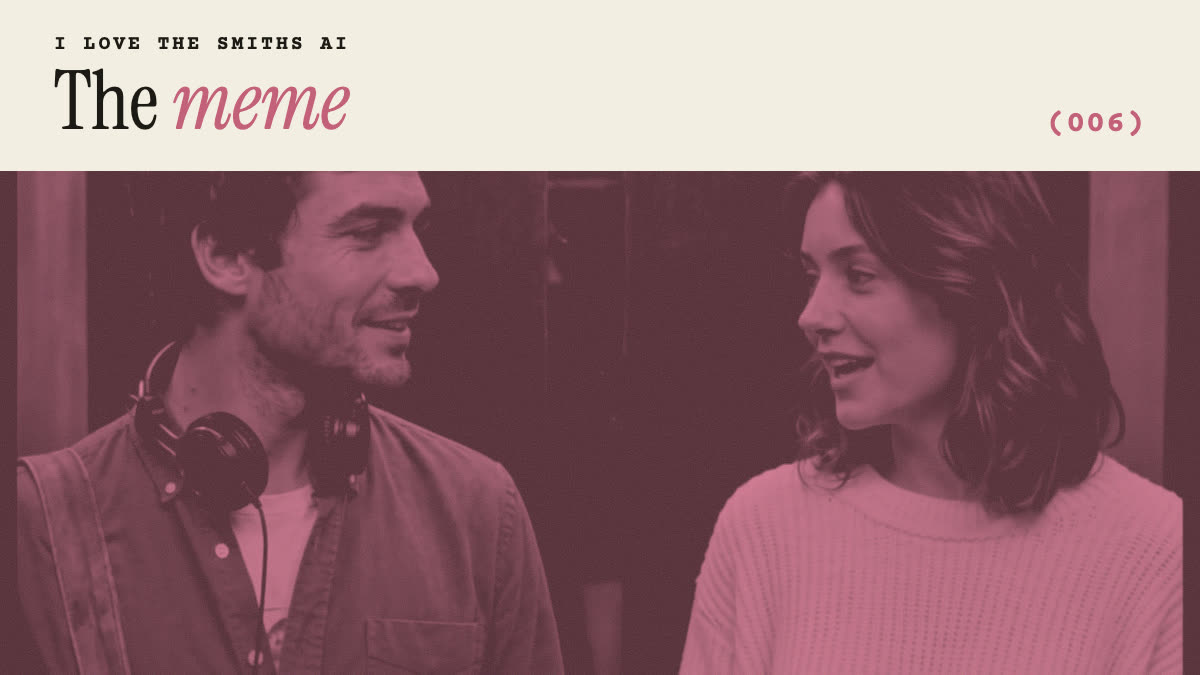
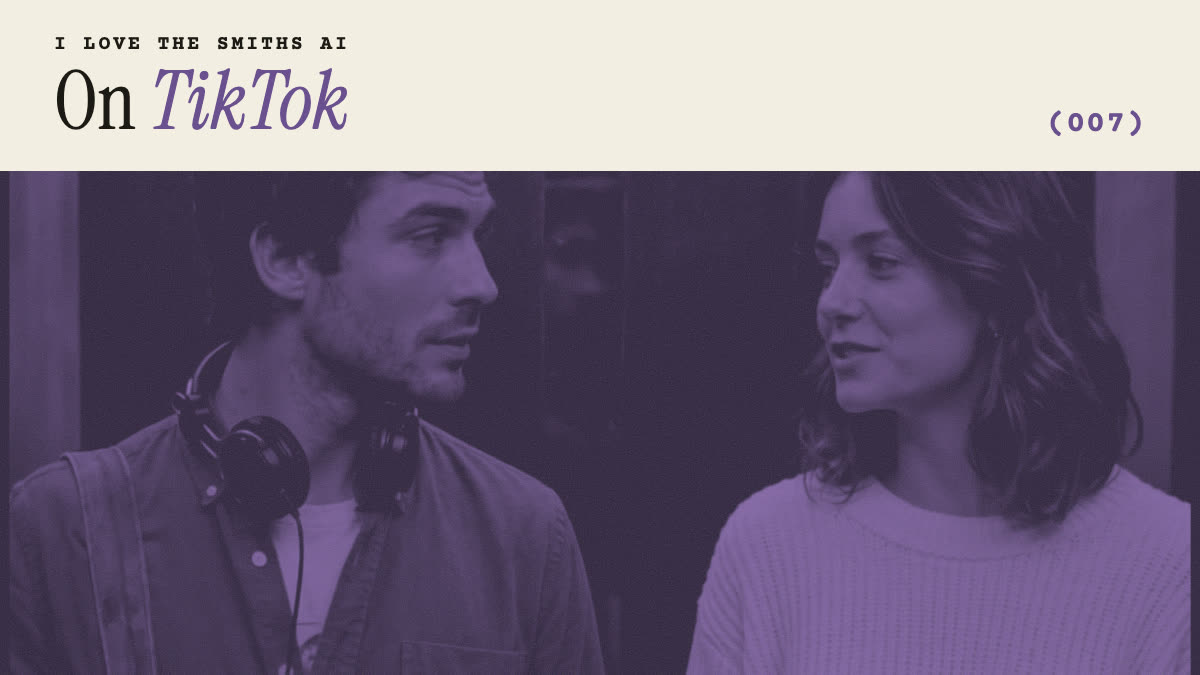
| Left · photo 1 | Tom | Wears headphones, lifts an ear cup, turns: “Sorry?” |
| Right · photo 2 | Summer | Hears the song and says “I love the Smiths” |
Which photo works best?
| Works | Avoid | |
|---|---|---|
| Face | Front-facing, eyes visible, sharp | Side profile, sunglasses, mask |
| Framing | Head and shoulders | A tiny face in a big landscape |
| People | Exactly one person | Group shots: the AI may pick the wrong face |
| Light | Daylight or even indoor light | Dark, backlit, heavy beauty filters |
| Hair | As you usually wear it | Hats or hoods that hide it |
The person in headphones turns their head during the clip, so a photo where the face is clear and not tilted gives the AI the most to work with from every angle.
What if the video comes out wrong?
- A face does not look like the photo. Use a sharper, front-facing photo with more of the face in frame. Faces in profile during the head turn are the hardest frames.
- The two faces look alike or swapped. Check that each photo shows only one person and that the photos are in the right boxes, then generate again.
- The headphones look odd. Hands, ears and headphones touching are hard for any video model. Generate again with the same photos; results vary from run to run.
- The video failed. Your credits come back automatically. Try clearer photos of adults; photos that look like a celebrity or a child are refused.
Can you do the I love the Smiths trend without AI?
Yes, and plenty of people do: two people, a pair of headphones and an elevator (or a park bench). Film it in landscape, act out the “Sorry?” and the second “I said, I love the Smiths”, and add the trending sound in TikTok. The AI version is for when you are not in the same place as your person, or want it to look like the film.
Other AI routes: a prompt in a general AI video app (see I love the Smiths AI prompts) or a CapCut template (see CapCut template vs AI).