I love the Smiths AI prompts you can copy
Copy-paste I love the Smiths AI prompts for Kling, Veo, Seedance, Sora and other AI video apps: a two-photo start frame, the image-to-video prompt with the dialogue, a negative prompt, variations and fixes.
By I Love the Smiths AI · Updated · 5 min read
No one who made the viral I love the Smiths videos shared their exact prompt, so these are written from the scene itself. They are for general AI video apps (Kling, Veo, Seedance, Sora, Runway and the like) that take a start frame and a text prompt. If you would rather skip prompting, the I Love the Smiths AI studio does it from your photos alone.
How do you make the I love the Smiths video with a prompt?
- Make a start frame. In an image model that takes two reference photos, paste the start-frame prompt below with your two photos attached.
- Animate it. In an image-to-video app, upload that frame as the first frame and paste the video prompt. Set 16:9 and the longest length the app allows (8–15 seconds).
- Add sound. If the app makes audio, keep the dialogue lines in the prompt. If not, add the “I love the Smiths” sound in TikTok afterwards.
I love the Smiths start-frame prompt
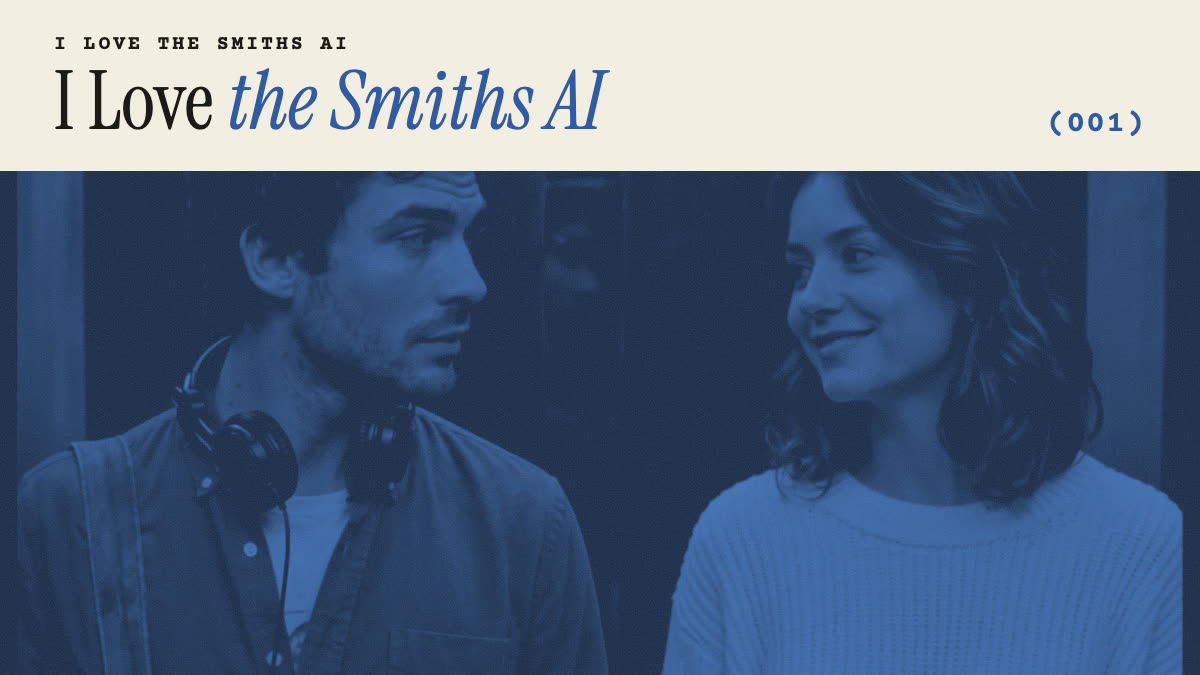
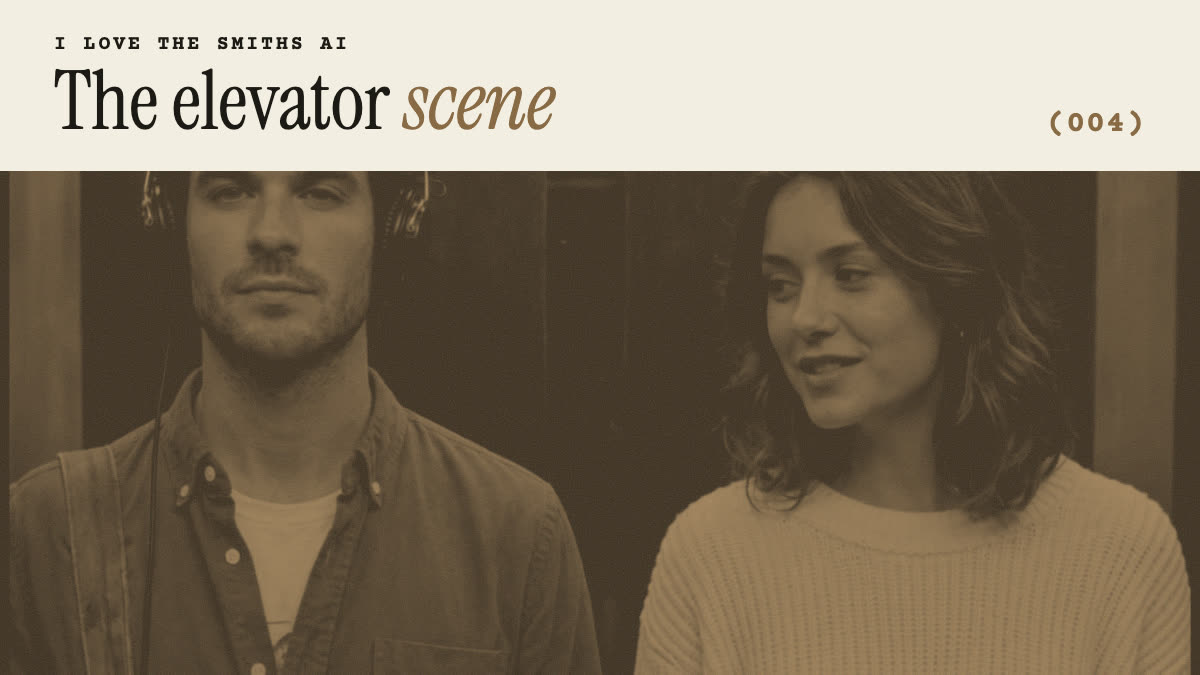
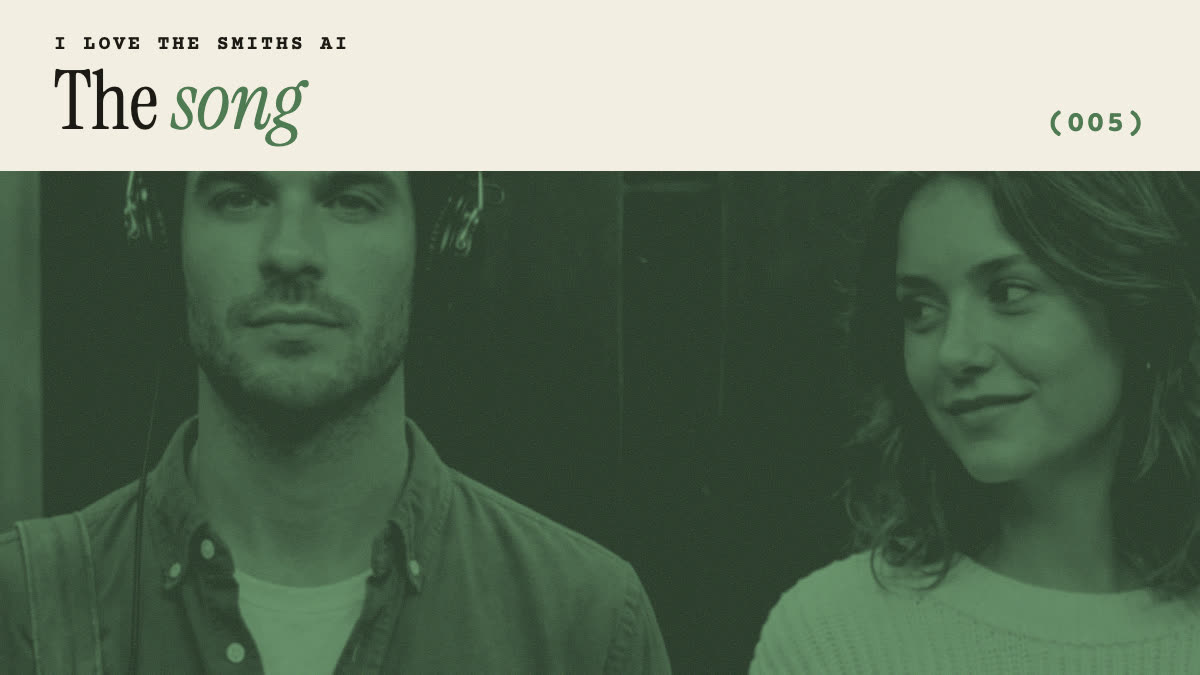
Two people standing side by side inside an old elevator with dark polished wood panels and thin brushed-steel trim, warm soft overhead light, medium close-up, both facing the camera, 16:9 cinematic film still, shallow depth of field, 35mm film grain.
On the left: the person from photo 1, wearing an olive-green button-up shirt over a white T-shirt, a canvas bag strap across the chest and black over-ear headphones on, looking straight ahead.
On the right: the person from photo 2, wearing a cream cable-knit sweater, glancing toward the person on the left with a small smile.
Keep both faces exactly as in the photos. No text.
I love the Smiths video prompt
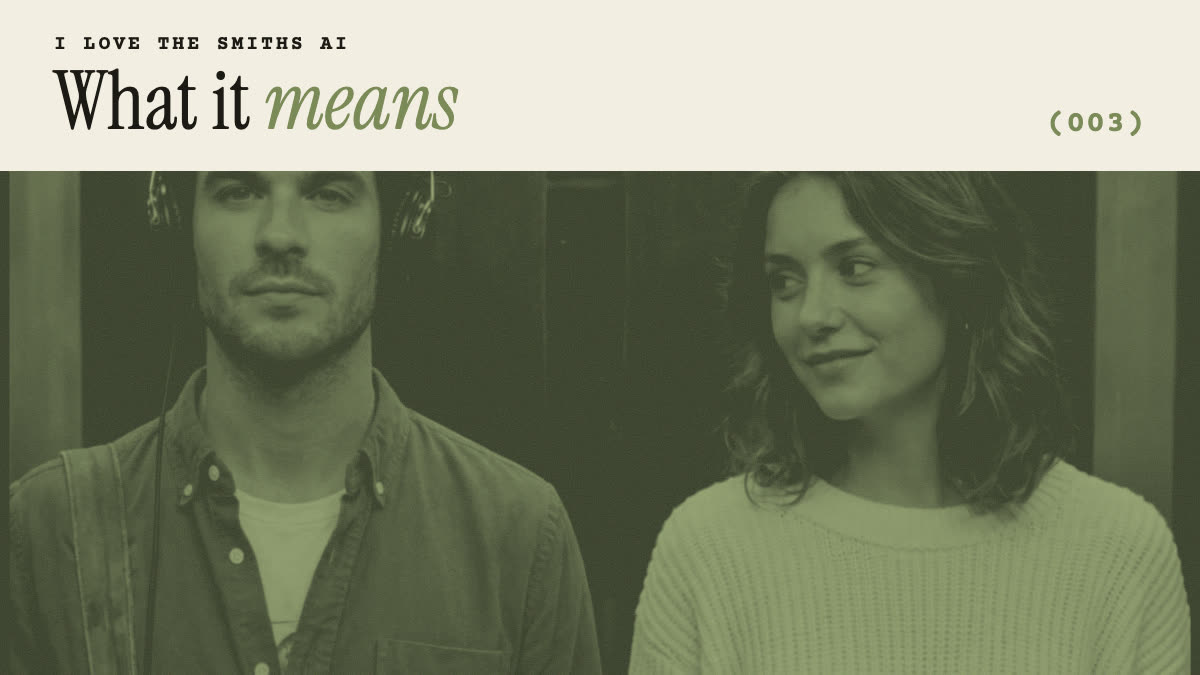
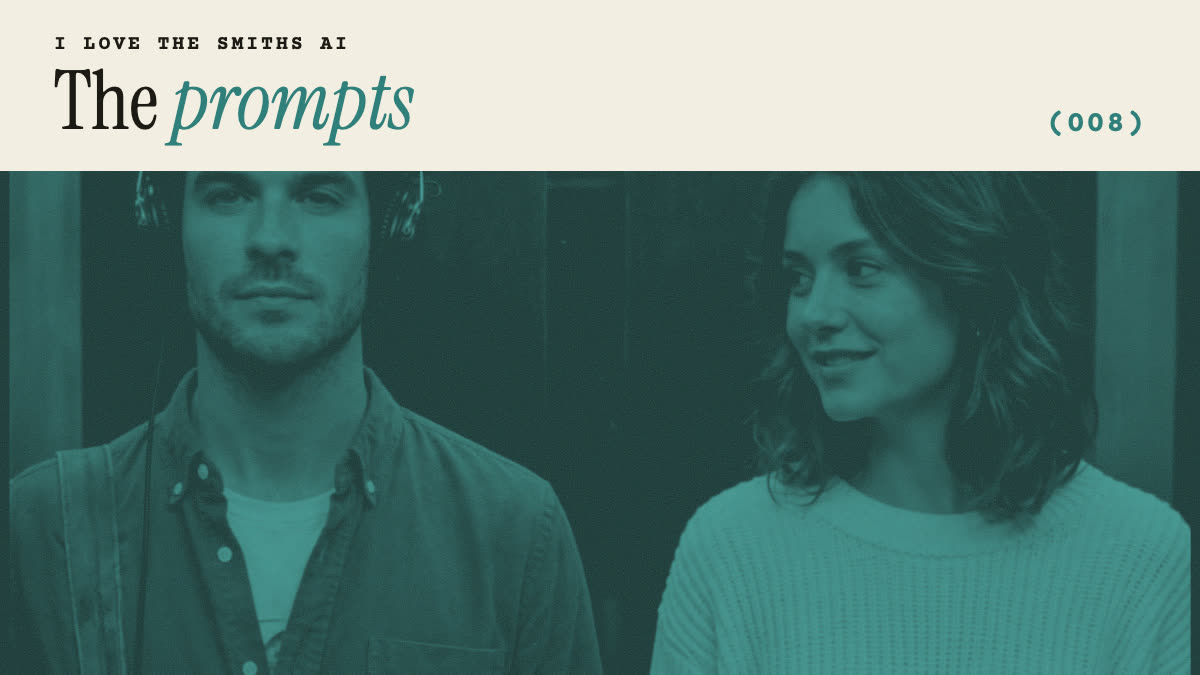
One continuous locked-off shot, 16:9, inside a wood-panelled elevator. The person on the left wears black over-ear headphones and faces forward. The person on the right glances at them and says, warmly: "I love the Smiths."
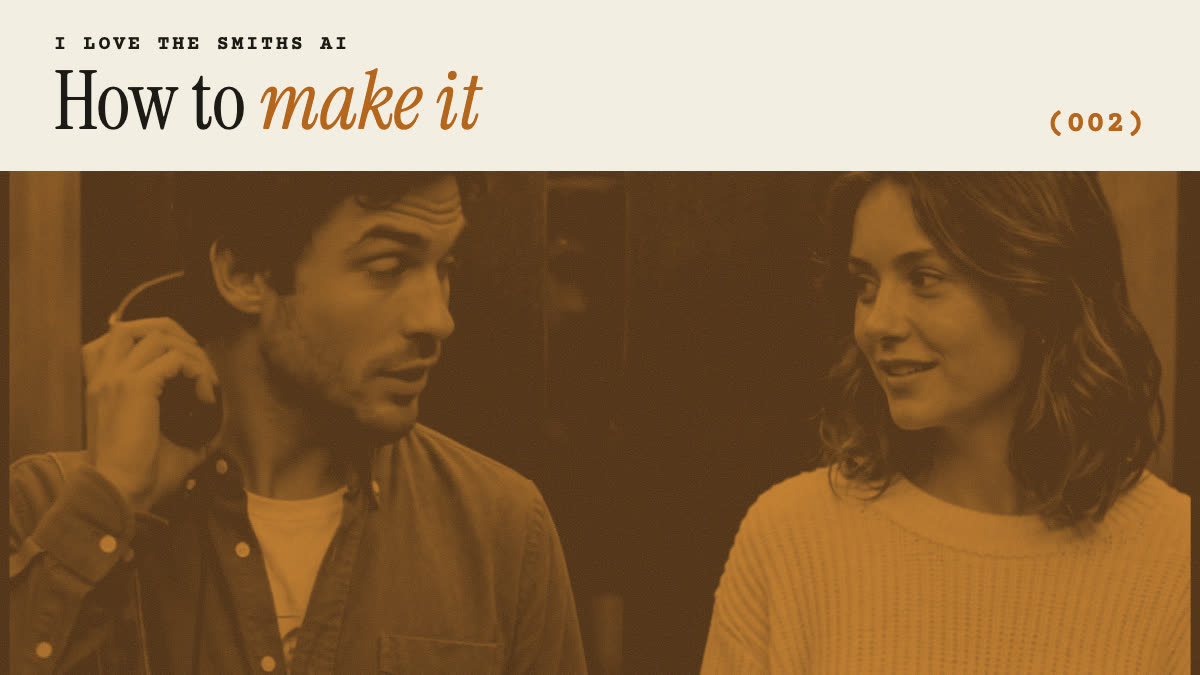
At 2 seconds the person on the left lifts one ear cup, turns to the right and says: "Sorry?"
The person on the right smiles: "I said, I love the Smiths. You have good taste in music."
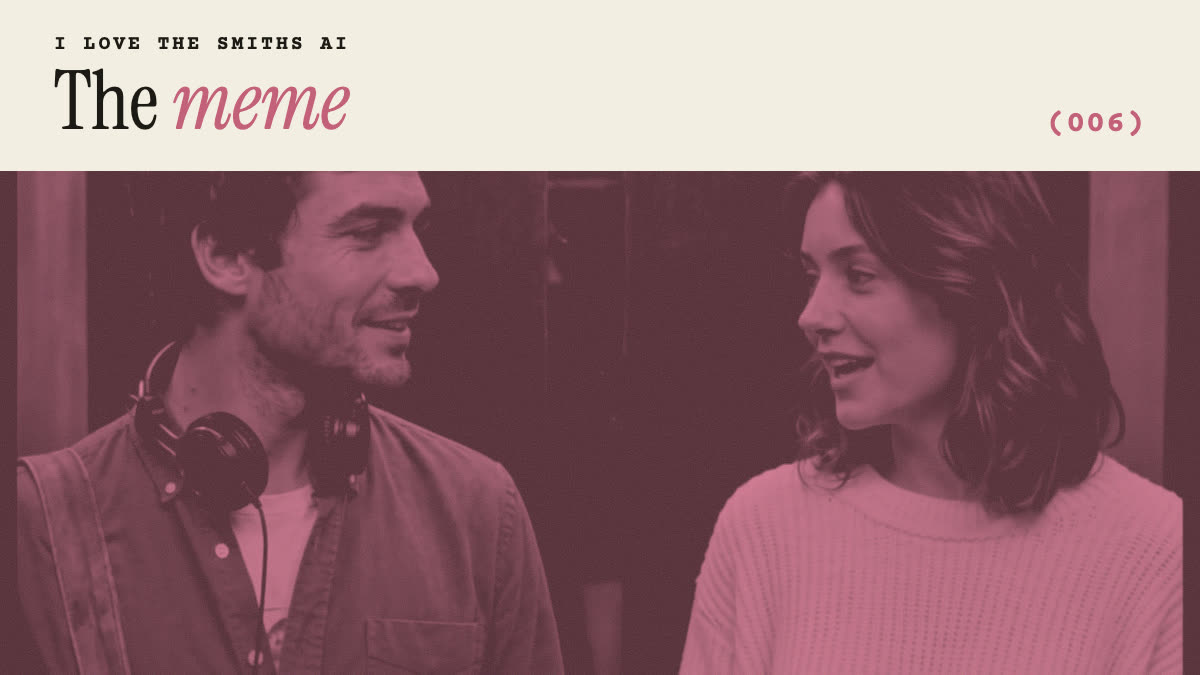
The person on the left slides the headphones down around their neck and turns to face them, surprised and smiling. They keep smiling at each other until the end.
Natural lip-sync, subtle head turns, soft warm light, quiet elevator hum, no music, no camera movement, no cuts, no text.
Negative prompt
face swap between the two people, merged faces, extra people, duplicated limbs, warped hands, headphones melting into hair, flickering faces, camera shake, zoom, cuts, subtitles, captions, watermark, logo, cartoon, plastic skin
Prompt ideas: variations on the scene
- Swap roles. Put photo 2 in the headphones and photo 1 on the line: just swap which side each description is on.
- Park bench. Replace the elevator with “a wooden park bench in autumn, golden afternoon light”, like the real-life remakes on TikTok.
- Office lift, 2009 look. Add “fluorescent office light, early-2000s indie film colour grade, slightly faded”.
- Duotone poster. For a still, add “green duotone, record-sleeve style, band name in a plain strip at the top” and leave out the dialogue.
Why do I love the Smiths prompts go wrong?
| Problem | Why | Fix |
|---|---|---|
| The two faces blend | Two identities in one frame is hard for most models | Start from a clean two-person start frame |
| Wrong person speaks | The model guesses who says which line | Name the side in each line: “the person on the right” |
| Headphones vanish | Small objects drift between frames | Mention them in every beat of the prompt |
| Camera wanders | Many apps add motion by default | “locked-off shot, no camera movement” |
| Different every try | Prompts are not a fixed reference | Use a motion-reference tool, or this site |
Prompt or I Love the Smiths AI: which is better?
A prompt is flexible and can be cheaper if you already pay for an AI video app, but the elevator, the timing and the faces change with every try. I Love the Smiths AI uses a fixed reference clip, so the scene plays out the same every time and only the faces change. See how the I Love the Smiths AI generator works.