I love the Smiths CapCut template vs AI: which should you use?
How to find and use an I love the Smiths CapCut template, what the templates actually do, how they compare to I Love the Smiths AI, and how to combine both for a better post.
By I Love the Smiths AI · Updated · 4 min read
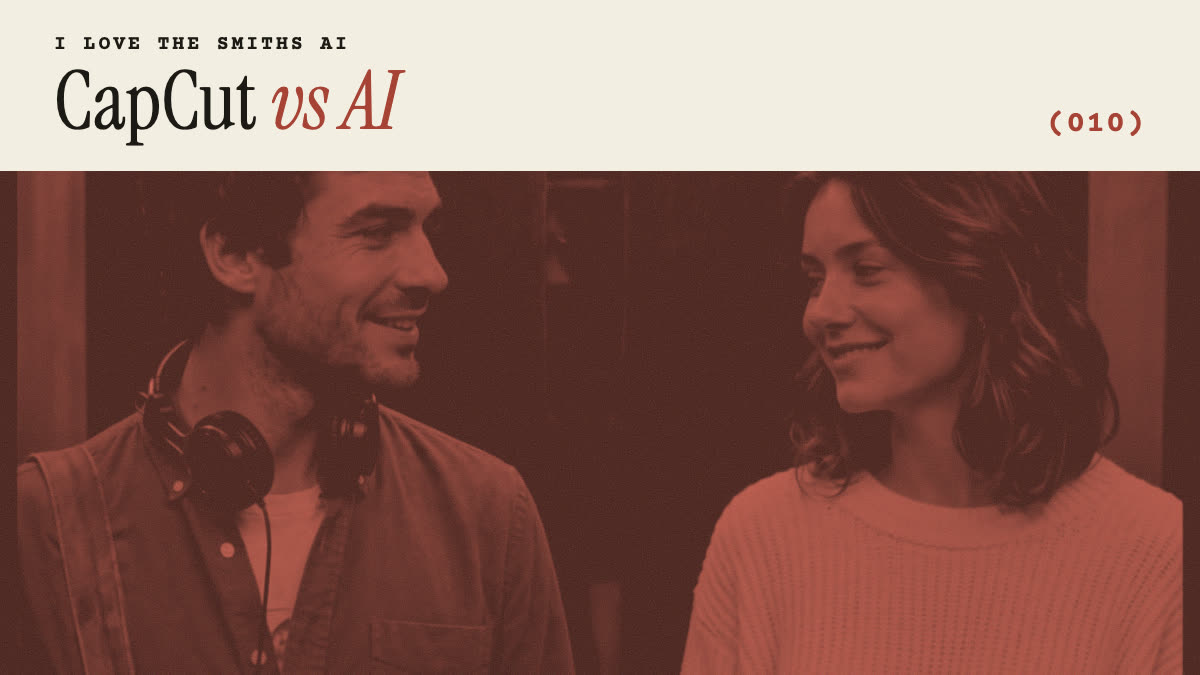
TikTok is full of “how to make the viral I love the Smiths trend in CapCut” tutorials. CapCut is great for editing, but most of what it calls I love the Smiths templates are edits of an existing clip, not your faces in the scene. Here is how the CapCut route works, where it falls short, and when to use AI instead.
Is there an I love the Smiths CapCut template?
Yes, creators publish them, and they come and go quickly. Most are one of these:
- Clip + text templates. The film scene or a remake with captions and the trending sound. You add your own text or photos between shots.
- Photo-slot templates. Your photos appear in frames or slides set to the “I love the Smiths” audio.
- AI effect templates. A face effect applied to one person in a clip. Results vary, and two faces at once are rare.
How to use an I love the Smiths template in CapCut
- Open CapCut and go to the Templates tab.
- Search “I love the Smiths” or “500 days of summer”.
- Preview a few and tap Use template on the one you like.
- Pick your photos or clips for each slot, then tap Export.
- Share straight to TikTok, or save and post with the AI label if it uses an AI effect.
If the template does not show up, use the link from the TikTok post that made you want it: creators usually put it under the video as “CapCut · Try this template”.
CapCut template or AI: which should you use?
| CapCut template | I Love the Smiths AI | |
|---|---|---|
| Your face in the scene | Rarely: usually photos or text over a clip | Yes, generated into the elevator |
| Two people at once | Usually one | Yes, one or both |
| Movement | The original clip’s | The scene’s, with your faces turning and talking |
| Sound | Trending sound built in | The reference clip’s sound |
| Cost | Free to try, Pro for some templates | Per video, from one-time packs |
| Where | CapCut app | Any browser |
Use CapCut when you want a slideshow or a caption edit. Use AI when you want to be the one in the elevator.
Can you combine CapCut and AI?
Yes, and it is a good way to make your version stand out: make the scene with I Love the Smiths AI, then open the MP4 in CapCut to crop it to vertical, add a caption like “day (1)”, or cut it together with a real photo of the two of you at the end.
Do you need CapCut Pro?
Not for basic templates. Some templates and AI effects are Pro-only, and exports from them may carry a watermark on the free plan. Videos from I Love the Smiths AI have no watermark, so editing them in free CapCut is fine.